How to Convert PDF to Word Locally (No Upload, Keep Formatting)
Learn how to convert pdf to word online for free without losing formatting. 100% local processing. Convert editable Word documents safely.
Convert PDF to Word NowHow to Prepare Your PDF for a Perfect Conversion
The PDF became the default container for finished documents precisely because it locks layout in place. According to the PDF Association, over 2.5 trillion PDFs exist globally. A file generated cleanly from a word processor converts almost perfectly; a photocopied scan converts into a wall of garbled characters unless you prepare for it.
- Determine whether your PDF is native or scanned (try selecting text).
- Note complex elements (multi-column layouts, tables, non-standard fonts).
- Remove password protection (converters reject encrypted files).
Step-by-Step: How to Convert PDF to Word Locally
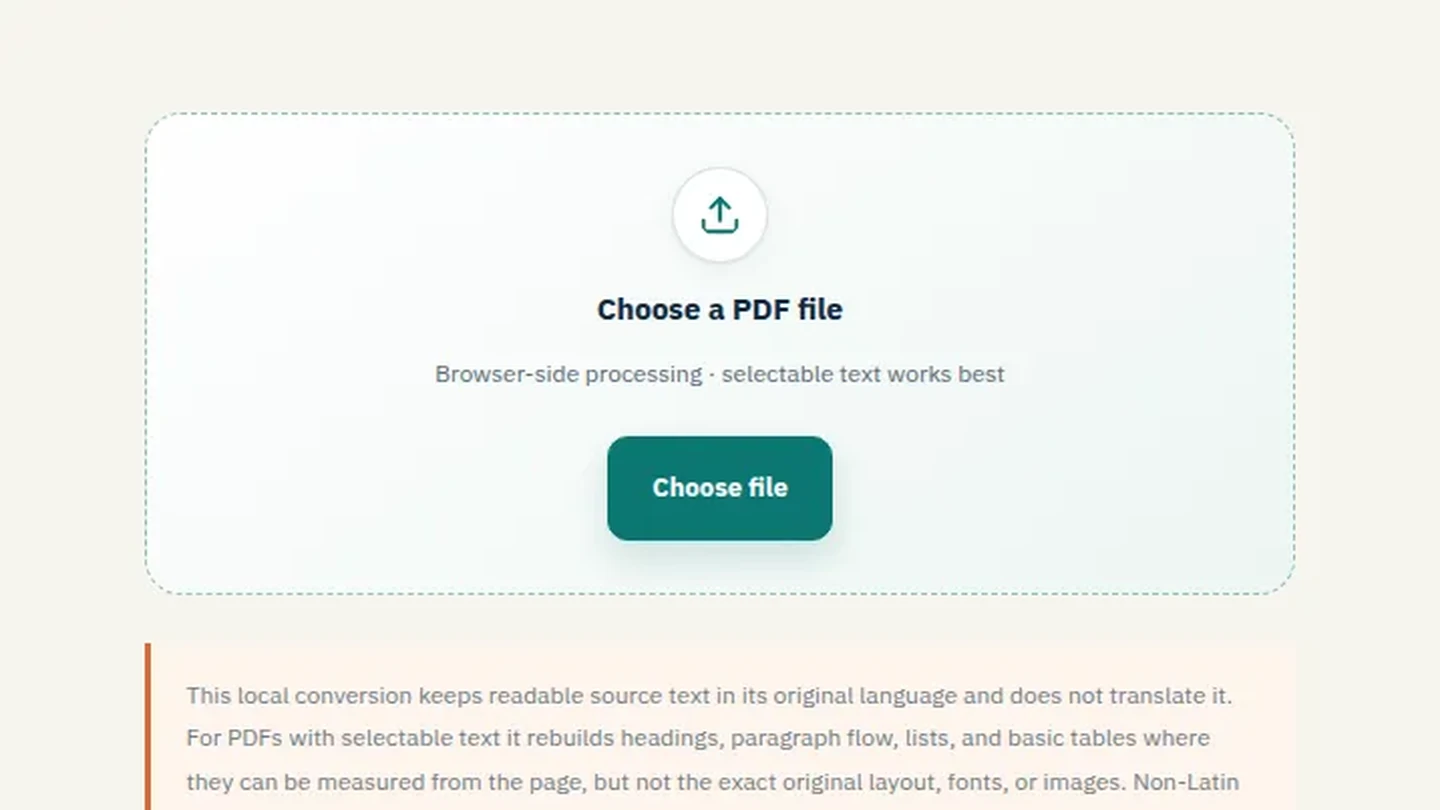
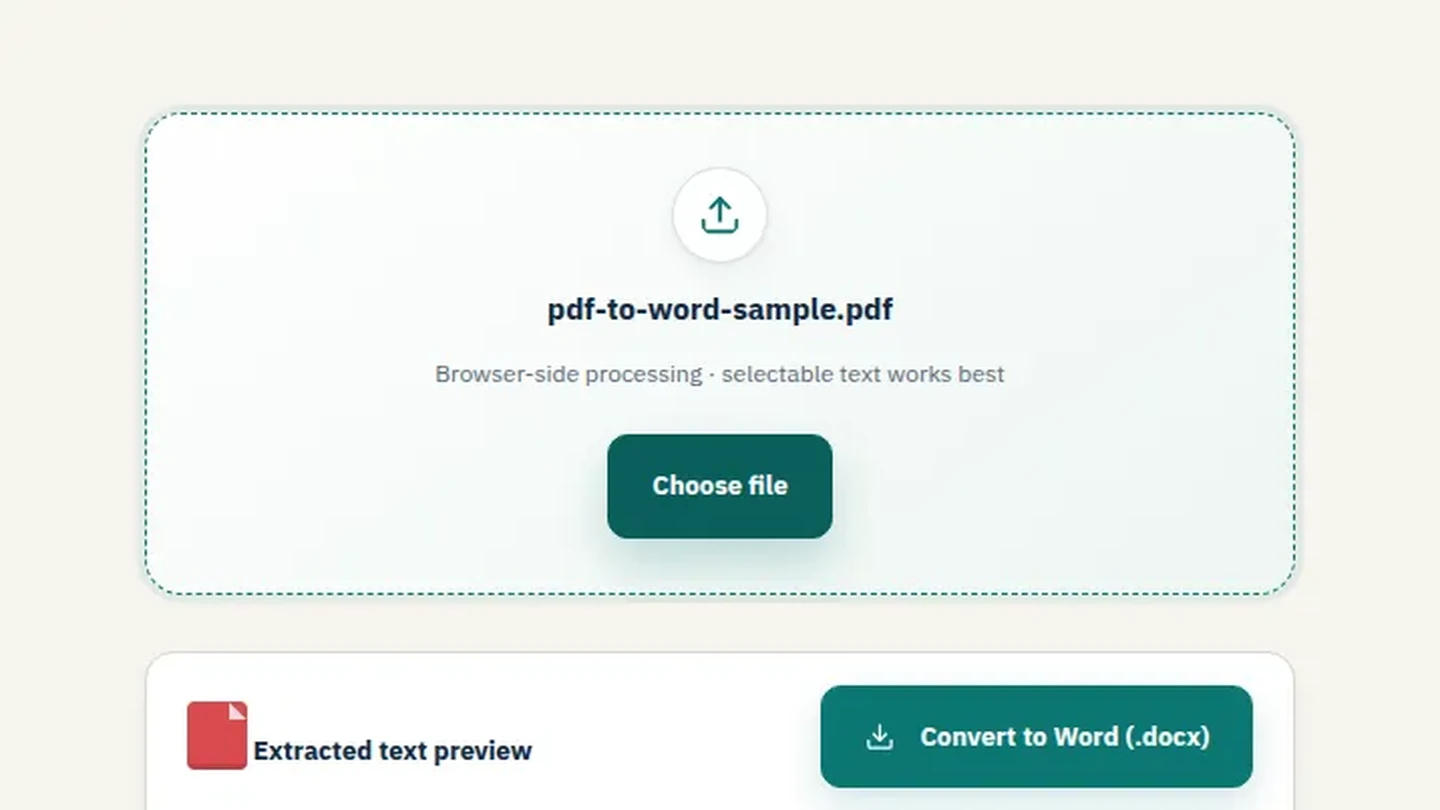
- Select your PDF file: Drag a file onto the upload area or browse to locate it.
- Choose your mode: Select "Standard" for native PDFs or "OCR" for scanned documents.
- Process locally: The tool handles the conversion in your browser's memory. No files are uploaded to a server.
- Download and Verify: Download the .docx file and check fonts, tables, and image placement.
How to Handle Scanned PDFs (OCR) Without Uploading
If your file is image-based, you need Optical Character Recognition (OCR) to extract text. While some tools like Google Docs offer free OCR, they upload your file to their servers. File Maktab's local OCR processes the image natively in your browser, making pdf to word with ocr possible without uploading. Read our specific guide on using OCR to convert scanned PDFs
- Upload your scanned PDF.
- Select "OCR" mode.
- Wait for the text extraction to complete (depends on your device's processor).
- Download as .docx.
How to Master Secure Document Conversion (Without Losing Formatting)
- Keep sensitive documents local: Avoid third-party servers for contracts, invoices, or medical records.
- Classify the file: Native PDFs need Standard mode; scanned PDFs need OCR.
- Verify before editing: Open the .docx next to the source PDF and check for overlapping text, shifted images, substituted fonts, or collapsed tables.
- No Software Required: You can convert PDF to Word without software installation or account creation.
This PDF to Word workflow supports convert pdf to word online, pdf to word free, pdf to word free offline, and pdf to word editable tasks without an account. For a pdf to word without losing formatting result, start with selectable text and review the exported document.
Batch Convert Multiple PDFs to Word Efficiently
For high-volume work, select multiple files and queue every document in one pass. Watch your system resources — local conversion runs on your CPU/RAM. A queue of large files on a laptop can stall the browser tab, so convert in groups of ten or fifteen rather than a hundred. Create a dedicated output folder and name it by date or project.
For a pdf to word large file, convert in smaller groups. The same local workflow works for pdf to word mac and pdf to word arabic documents, while the output should always be checked after moving from pdf to word.
Advanced Workflows
Use a Merge PDF tool when several source files must become one document before conversion. For image-heavy sources, prepare them with image tools, then use the PDF to Word workflow. This makes it easier to convert scanned pdf to word and keep a reviewable local copy.
Frequently Asked Questions
How do I convert a PDF to Word without losing formatting?
Use a local tool, select Standard mode, and avoid heavy OCR if the text is native.
Can I convert a scanned PDF to Word?
Yes, use OCR mode to extract text from images.
Is it safe to convert PDF to Word online?
Only if the tool processes locally. Filemaktab ensures no uploads.
Do I need software to convert PDF to Word?
No, Filemaktab works in your browser.
How do I convert a PDF to an editable Word document?
Standard mode creates a fully editable .docx file.
Can I convert large PDFs to Word?
Yes, but convert in batches to avoid browser memory issues.
How do I convert PDF to Word on Mac?
Open Safari or Chrome, use Filemaktab.
Can I convert Arabic or Hindi PDFs to Word?
Yes, local tools support Unicode and various fonts.
What is the difference between Standard and OCR mode?
Standard extracts existing text; OCR reads images of text.
Why does my formatting break after conversion?
Because PDF is fixed-layout and Word is reflowable. Complex tables often need manual adjustment.
Can I batch convert multiple PDFs?
Yes, select multiple files at once.
How do I keep the original font in Word?
If the font is embedded, Word tries to map it; otherwise, it substitutes.
Is there a file size limit?
No hard limit, but browser memory limits apply.
Can I convert PDF to Word without an email?
Yes, no signup required.
What is the best free tool to convert PDF to Word?
Filemaktab offers a free, private, local-first tool.
Related guides: Need to merge or compress your converted files? Read our guides on Merge PDF, Compress PDF, and JPG to PDF.
File Maktab content is educational and reflects current tool limits. No affiliate links are active in this version.