PDF / PDF TO WORD
How to Convert PDF to Word with OCR (Fast & Private)
Learn how to convert pdf to word with ocr online for free. 100% local processing. Convert scanned documents to editable Word files safely.
Convert PDF to Word with OCR NowHow to Prepare Your Scanned PDF for OCR
OCR accuracy depends heavily on scan quality. Before converting, ensure:
- Your PDF is a high-resolution scan (300 DPI is ideal).
- The document is not password-protected.
- Select a local-first tool like File Maktab to keep sensitive data on your device.
Step-by-Step: How to Convert PDF to Word with OCR Locally
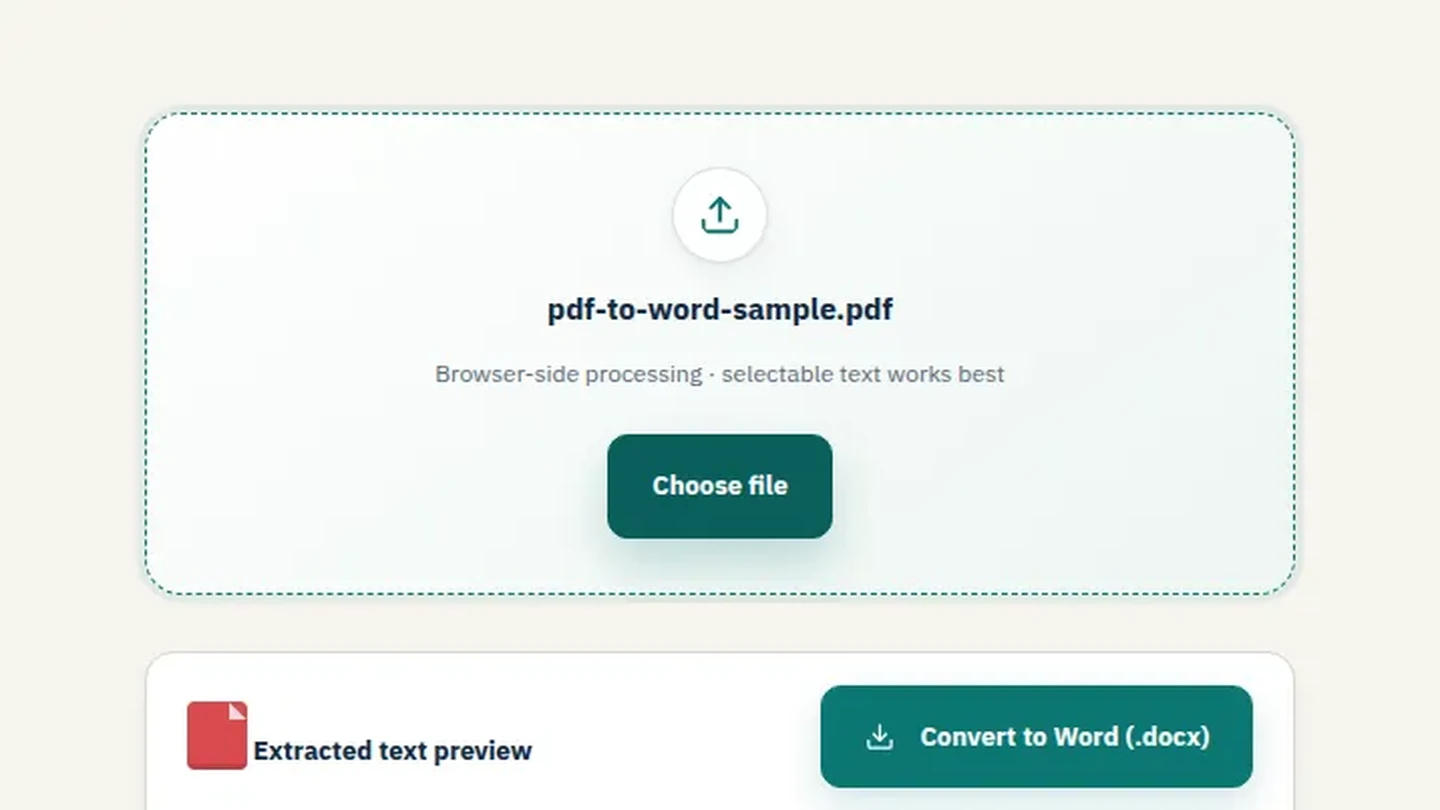
- Select your PDF file: Drag your scanned PDF into the browser window.
- Choose "OCR" Mode: Select the OCR option to extract text from images.
- Process locally: The file never leaves your device. The OCR engine runs in your browser.
- Download and Verify: Download the .docx file and check for any OCR errors.
The Technical Edge: Why Local OCR Wins
- Tesseract Accuracy: Open-source OCR engines like Tesseract have word error rates as low as 3.72% for European languages.
- Lightning Fast: AI vision analysis and OCR can process pages in 300-400ms.
- Cost Savings: Digitizing documents saves up to 90% compared to paper processes.
Handling Common OCR Errors
- Misread Characters: Use Word's "Find and Replace" to fix common errors (e.g., '1' vs 'l').
- Broken Tables: OCR might struggle with complex tables. Use Word's table tools to realign them.
- Missing Images: OCR extracts text, so you may need to re-insert signatures or logos manually.
Frequently Asked Questions
How do I convert a scanned PDF to Word for free?
Use Filemaktab's local OCR tool. It's 100% free.
Does OCR reduce accuracy?
Tesseract OCR has an error rate of about 3-5%, which is very accurate for most documents.
Can I convert Arabic PDFs to Word with OCR?
Yes, local OCR engines support multiple languages including Arabic.
Is it safe to use OCR online?
Only if the tool processes locally. Filemaktab ensures no uploads.
Why is my OCR output garbled?
It might be due to low scan quality or the wrong language selection.
Related guides: Read our full guide on PDF to Word.