Best Free PDF Merge Tools Compared: File Maktab vs iLovePDF vs Smallpdf
Compare the best free PDF merge tools. Learn how to combine PDF files without Acrobat using secure, local browser-based processing. No upload required.
Merge PDF NowWhen searching for a reliable merge PDF tool online, professionals and privacy-conscious users face a critical choice: convenience versus security. According to Verified Market Research, the global PDF editor software market is projected to reach $3.2 billion by 2031, reflecting a CAGR of 11.6%. However, traditional cloud-based tools require you to upload sensitive documents to third-party servers. This guide compares the top solutions—File Maktab, iLovePDF, and Smallpdf—to help you combine multiple PDFs into one securely without relying on Adobe Acrobat.
Why Privacy-First Tools Are Replacing Cloud Mergers
For years, users accepted the risk of uploading confidential legal or financial documents to cloud servers to merge pdf files free. Today, the standard has shifted. A secure PDF merger in 2026 must prioritize local, browser-based processing. By using client-side technology, tools like File Maktab process your files directly in your browser's memory. This means your data never leaves your computer, eliminating the vulnerabilities associated with cloud uploads. It is the safest way to handle sensitive information while still enjoying the benefits of a free pdf merge software online.
File Maktab vs. iLovePDF vs. Smallpdf (Comparison Table)
Here is how the leading solutions compare in terms of privacy, speed, and cost.
| Feature | File Maktab | iLovePDF | Smallpdf |
|---|---|---|---|
| Processing Location | 100% Local (Browser) | Cloud Servers | Cloud Servers |
| Privacy & Security | Maximum (No Upload) | Moderate | Moderate |
| Speed | Instant (No Upload Time) | Depends on Internet | Depends on Internet |
| Cost | Free (No Watermarks) | Free (with limits) | Free (with limits) |
| Account Required | No | For some features | For some features |
Reviewing File Maktab (The Privacy-First Choice)
If your priority is data security, File Maktab is the superior choice. Unlike the ilovepdf merge pdf tool which uploads your files, File Maktab leverages local processing. The steps to merge two pdf files into one are straightforward:
- Navigate to the File Maktab merge tool.
- Drag and drop your PDFs directly into the browser window.
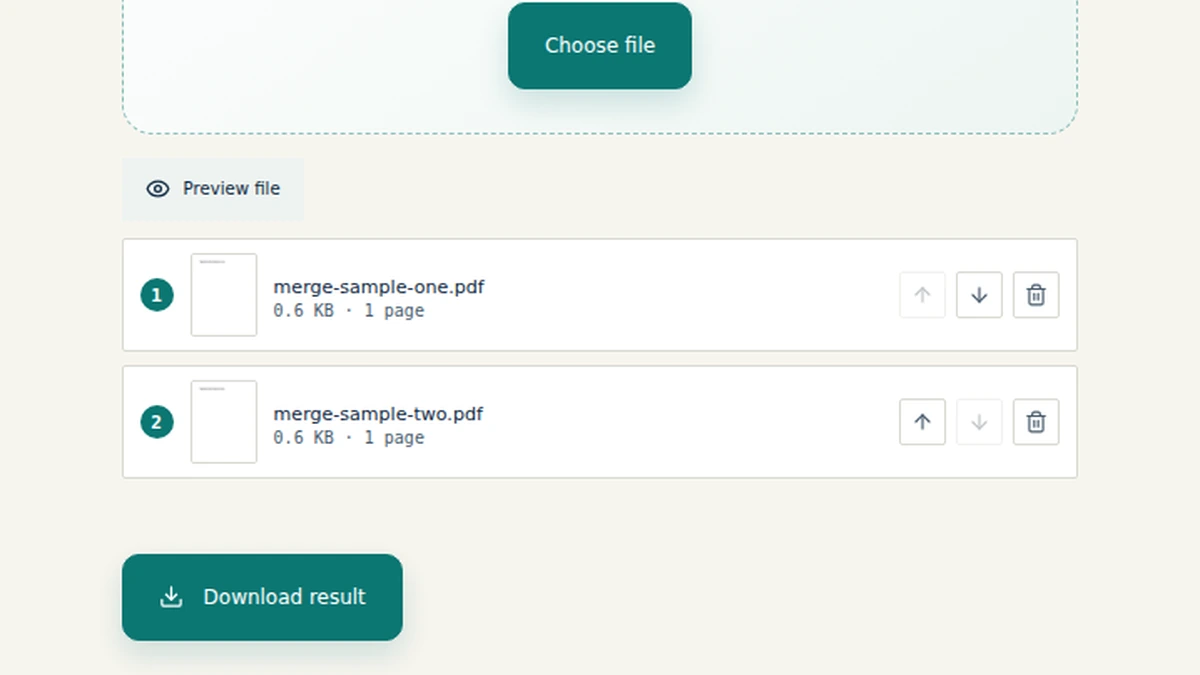
- Arrange the pages in your preferred order.
- Click 'Merge' and download the result instantly.
Because the processing happens locally, the "upload" phase is non-existent, making it incredibly fast and completely private. It is the definitive answer for how to combine PDF files without Acrobat and without compromising security.
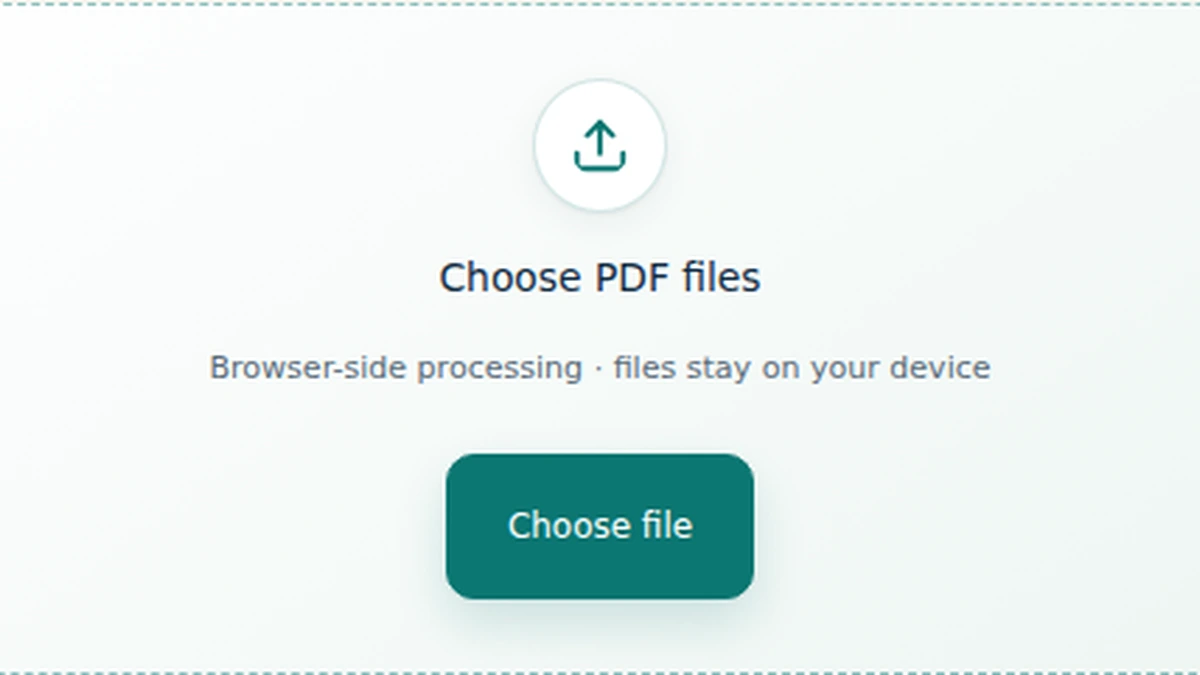
Use the File Maktab merge PDF tool to combine your documents locally.
How to Verify Your Merged Document for Accuracy
Once you have used a secure PDF merger to combine your files, verification is essential for professional workflows.
- Open the final PDF in your viewer to ensure formatting consistency across all merged pages.
- Check that bookmarks, internal links, and form fields remain functional.
- Verify the total page count matches the sum of your original documents.
- Confirm the final file size is optimized for email or portal uploads.
How to Maintain Security During Document Workflows
Data security doesn't end with merging. To maintain a safe document workflow:
- Always prioritize local browser-based tools over cloud converters for sensitive data.
- Organize and name files logically before processing to avoid confusion.
- Avoid registration-heavy tools that may track your metadata or require an email address.
- Delete original files securely from your device once the merged file is verified.
Frequently Asked Questions (FAQ)
1. How to merge two PDF files into one?
You can easily merge two PDFs by dragging both files into File Maktab's local workspace, arranging their order, and clicking "Merge". The process happens in your browser without uploading.
2. What is the most secure way to merge PDFs?
The most secure method is using a local-processing tool like File Maktab. Because files are processed in your browser's memory, they are never transmitted to or stored on an external server.
3. What is the difference between iLovePDF and File Maktab?
iLovePDF requires uploading your documents to their cloud servers. File Maktab processes files 100% locally on your device, offering superior privacy and faster speeds for large files.
4. Is it safe to merge PDF files online?
It is only safe if you use a local-first, privacy-oriented tool. Traditional online tools expose your data to server breaches. Local tools keep your data entirely on your machine.
5. Can I merge PDF files for free without a watermark?
Yes. File Maktab offers a completely free tool with no hidden costs, registration requirements, or watermarks added to your final document.
6. How to combine PDF files without Acrobat?
You do not need Adobe Acrobat. Browser-based tools like File Maktab provide the same merging capabilities for free, without requiring software installation.
7. Do I need to create an account to merge PDFs?
No account is needed. File Maktab is designed for frictionless use, allowing you to merge documents anonymously and securely.
8. How to merge PDF files on Windows or Mac?
File Maktab works entirely in your web browser. It is cross-platform compatible, meaning it works seamlessly on Windows, Mac, Linux, and mobile devices without downloading software.
9. Can I merge large PDF files online?
Yes, but with cloud tools, large files often hit server upload limits. File Maktab uses your device's memory, allowing for faster processing of large files without upload bottlenecks.
10. How do I combine multiple PDFs into one without uploading?
Use a local processing tool. When you use File Maktab, the files are read directly by your browser. No internet transmission of the file data occurs.
11. Can I rearrange pages while merging PDFs?
Yes, File Maktab allows you to click, drag, and rearrange document thumbnails in your preferred order before finalizing the merge.
12. How to merge and convert to PDF?
Ensure all your files are already in PDF format. Use a local converter to change Word or JPG files to PDF, then use File Maktab to merge them securely.
13. Is there a free PDF merge software online?
Yes, File Maktab is a free pdf merge software online. Our local processing model allows us to provide this service at no cost to the user.
14. How to merge PDF files on iPhone or Android?
Open your mobile browser (Safari or Chrome), navigate to File Maktab, and select your files. The local processing engine works on modern mobile browsers.
15. What is the best free PDF merger in 2026?
For privacy-conscious professionals and businesses, File Maktab is the best free PDF merger in 2026 due to its secure, local-first architecture.