IMAGE / JPG TO PDF
How to Convert JPG to PDF 300KB Without Risking Your Data Privacy
Learn how to convert jpg to pdf 300kb online for free. 100% local processing. Reduce file size for job applications and government portals safely.
Convert JPG to PDF NowHow to Prepare Your JPG for 300KB Compression
- Verify the source image resolution and current file size before starting.
- Understand why 300KB is the 'goldilocks' zone for most document portals.
- Ensure you are using a browser that supports local file processing for maximum security.
Step 1: Select Your Privacy-First Conversion Tool
- Navigate to a local-first utility like Filemaktab.
- Confirm the tool specifies 'local processing' to ensure data doesn't leave the device.
- Avoid tools that require account registration for simple conversions.
- Why 300KB? Read our full guide on converting JPG to PDF.
Step 2: Upload and Configure Compression Settings
- Drag and drop your JPG into the browser-based interface.
- Select the 'Target Size' or 'Compression Level' option.
- Input '300' in the KB limit field to trigger the optimization algorithm.
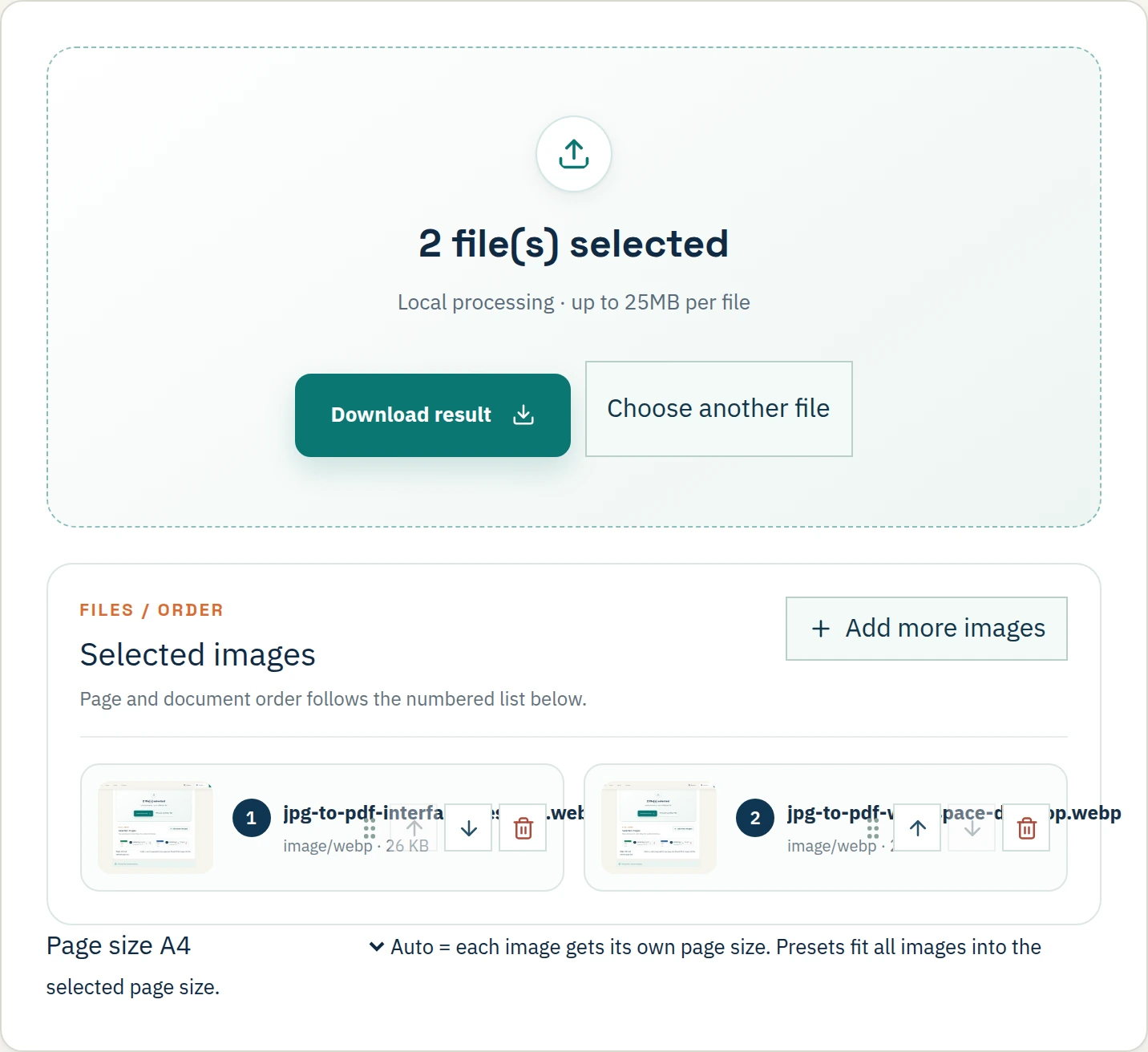
Step 3: Convert and Verify the PDF Output
- Click the 'Convert' or 'Generate PDF' button.
- Wait for the local processing to complete (usually instantaneous).
- Check the metadata of the downloaded file to ensure it is under 300KB.
How to Handle Batch Conversions Under 300KB
- Use batch mode to apply the 300KB limit across multiple JPGs simultaneously.
- Ensure each individual PDF in the batch respects the size constraint.
- Organize output files using consistent naming conventions for legal filing.
How to Troubleshoot Large File Sizes
- Reduce the source JPG dimensions if the initial PDF exceeds 300KB.
- Switch from high-color PNG sources to JPG before PDF conversion to save space.
- Avoid adding unnecessary metadata or hidden layers to the PDF.
How to Maintain Secure 300KB Workflows
- Always prioritize local browser processing for sensitive documents.
- Double-check file sizes before every portal upload.
- Maintain a clean digital audit trail by processing files locally.
Need a smaller file size? Check our guide on JPG to PDF 200KB.
Frequently Asked Questions
How do I convert JPG to PDF under 300KB for free?
Use Filemaktab's local tool and select the appropriate compression preset.
Does compressing to 300KB reduce quality?
Yes, some downsampling occurs, but 300KB is usually enough for IDs and text documents.
Is it safe to convert JPG to PDF online?
Only if the tool processes locally. Filemaktab ensures no uploads to a server.
Why is my converted PDF still over 300KB?
It may contain high-resolution color images. Try converting to grayscale or splitting the file.
Can I convert multiple JPGs to a single 300KB PDF?
Yes, but limit it to 2-3 pages to avoid extreme quality loss.