IMAGE / JPG TO PDF
How to Convert JPG to PDF Under 200KB (Fast & Private)
Learn how to convert jpg to pdf under 200kb online for free. 100% local processing. Reduce file size for job applications and government portals safely.
Convert JPG to PDF NowStep 1: Prepare Your JPG for Maximum Compression
- Strip EXIF metadata: GPS data and camera thumbnails can take up to 50KB. Removing them is the easiest way to save space.
- Assess resolution: If the image is huge, resizing it before conversion helps hit the 200KB target faster.
- Identify the document type: Text-heavy scans need different compression than image-heavy photos.
Step 2: Adjust DPI and Color Settings for the 200KB Limit
- Set resolution to 72-150 DPI: For standard A4 documents, 150 DPI is the sweet spot for legibility.
- Convert to grayscale: Removing color channels can reduce the data payload by up to 70% for text documents.
- Prioritize contrast: High contrast matters more than high resolution for certificates and IDs.
Why 200KB? Read our full guide on converting JPG to PDF
Step 3: Upload to a Privacy-First Local Converter
- Select a tool like Filemaktab that processes files locally in your browser.
- Drag and drop your prepared JPG into the conversion interface.
- Verify that no data is being sent to external servers.
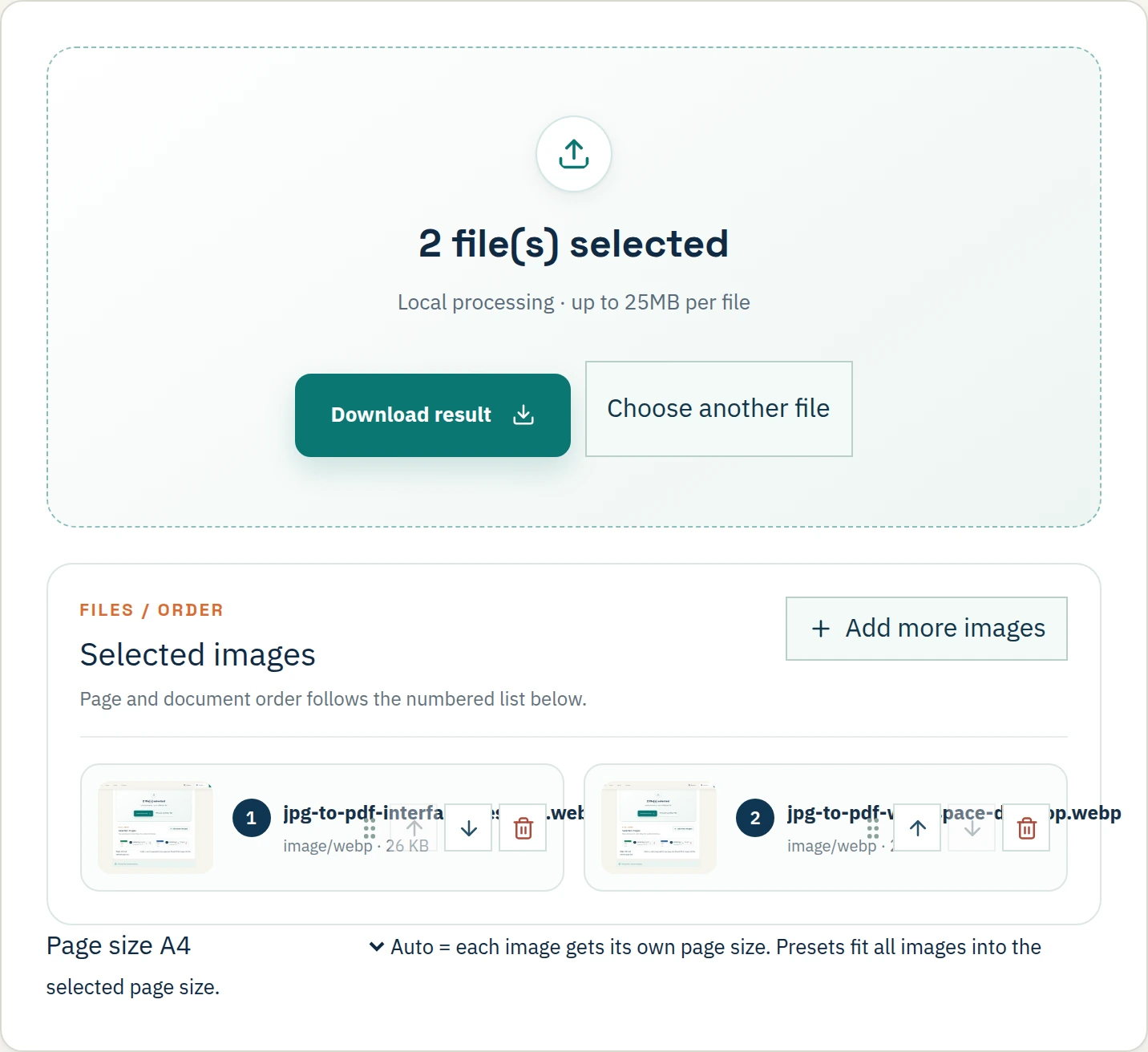
Step 4: Apply Targeted Compression to Hit 200KB
- Choose the compression level that balances size and quality.
- Monitor the estimated output size in real-time before finalizing.
- Note: WebP-based logic is significantly more efficient than standard JPEG for hitting strict limits.
Step 5: Manage Multi-Page PDF Merging Constraints
- Limit multi-page PDFs to 2-3 pages: If each image is optimized to 50-70KB, you can fit a few pages.
- Avoid merging 5+ images: Trying to fit 5+ images into 200KB will result in extreme blurring.
- Consider separate files: If the portal allows, upload separate PDFs instead of one huge file.
Frequently Asked Questions
How do I convert JPG to PDF under 200KB for free?
Use Filemaktab's local tool and select the appropriate compression preset.
Does compressing to 200KB reduce quality?
Yes, some downsampling occurs, but 200KB is usually enough for IDs and text documents if you use grayscale.
Is it safe to convert JPG to PDF online?
Only if the tool processes locally. Filemaktab ensures no uploads to a server.
Why is my converted PDF still over 200KB?
It may contain high-resolution color images. Try converting to grayscale or splitting the file.
Can I convert multiple JPGs to a single 200KB PDF?
Yes, but limit it to 2-3 pages to avoid extreme quality loss.
Need a slightly larger file size? Check our guide on JPG to PDF 300KB.