How to Compress a PDF to 500KB (Fast & Private)
Learn how to compress pdf to 500kb online for free. 100% local processing. Reduce file size for job applications and email attachments safely.
Compress PDF to 500KB NowWhy Do You Need Exactly 500KB?
Many job portals, university admission systems, and email servers enforce a strict 500KB file size limit. It is a generous limit compared to 100KB, allowing you to keep decent image quality while ensuring your file is accepted. Compressing your PDF to exactly 500KB ensures your file passes the upload filter without failing.
Step-by-Step: How to Compress PDF to 500KB Locally
- Select your PDF file: Drag your large PDF into the browser window.
- Choose "Balanced" Compression: This preset gives a good reduction in file size while maintaining acceptable quality.
- Process locally: The file never leaves your device. No uploads to a server.
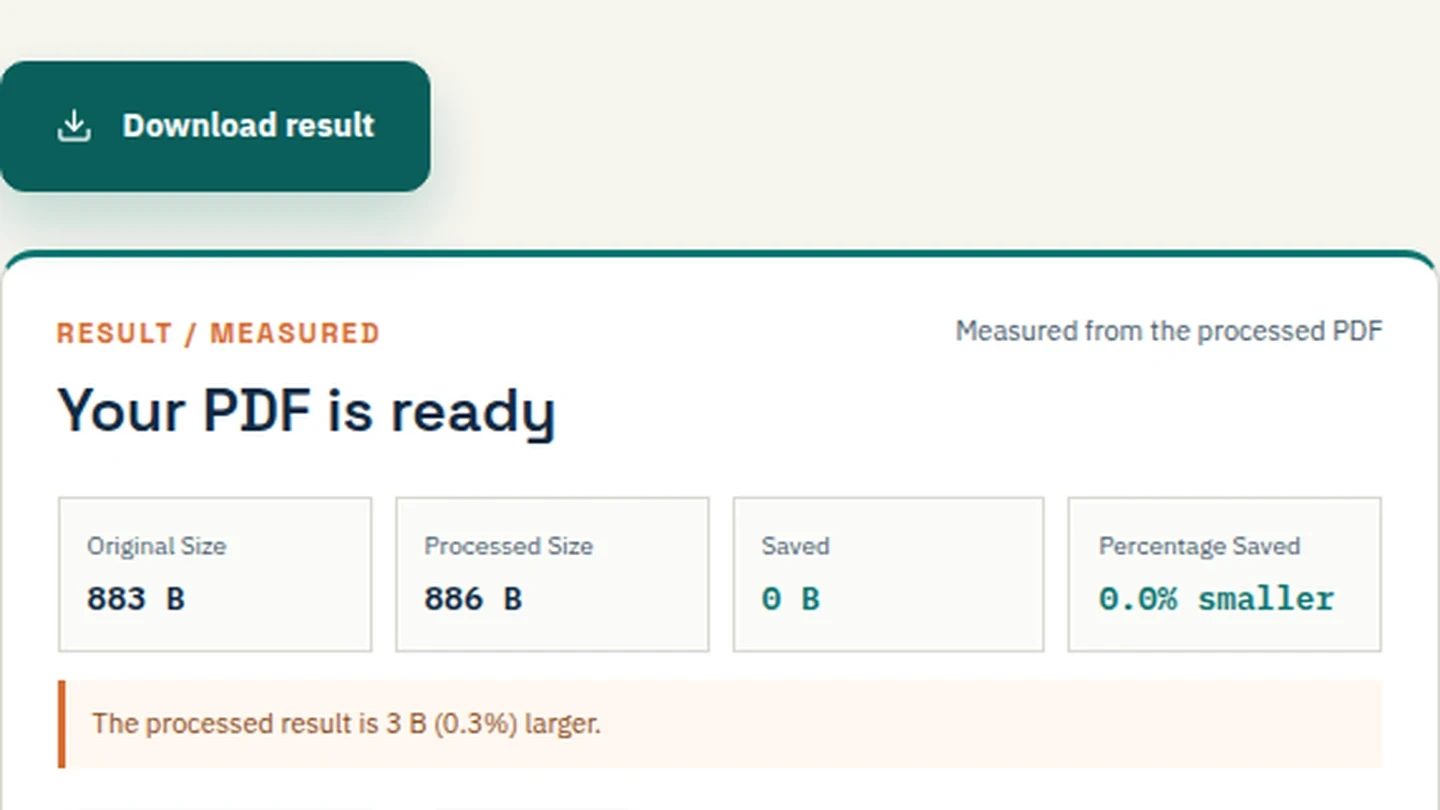
- Check the size: The tool shows the exact size in KB. If it's still over 500KB, compress again or split the file.
Tips to Hit the 500KB Target Faster
Scanned vs. Native PDFs
If your PDF is a scanned image (like a photo of an ID), "Balanced" compression usually keeps the text readable at 500KB. If it's a text document, "Strong" compression might be needed.
Remove Images
If the file is still too large, use our Split PDF tool to remove unnecessary image pages.
Digital Signatures
Local compression preserves digital signatures, so your signed documents remain valid.
Frequently Asked Questions
How do I compress a PDF to 500KB for free?
Use Filemaktab's local tool and select the "Balanced" preset.
Does compressing to 500KB reduce quality?
Yes, some image downsampling occurs, but 500KB is usually enough to keep text and signatures sharp.
Is it safe to compress PDFs for job applications online?
Only if the tool processes locally. Filemaktab ensures no uploads to a server.
Why won't my PDF compress below 500KB?
It may contain high-resolution images. Try splitting the PDF and removing image-heavy pages.
Can I compress a PDF to 500KB on my phone?
Yes, Filemaktab works locally in mobile browsers.